


AI photo editing for everyday photos and professional photography.
Ruwana gives both casual shooters and professional photographers a faster path from source image to finished result. Use LAB Product to turn a simple phone photo into a cleaner commercial product image, or LAB Polish to refine an existing photograph while preserving the scene, subject and photographic intent.
No prompt required · Product · Polish · PNG · TIFF · DNG
Start with a simple product photo. Finish with a cleaner commercial image.
Product is built for the object you already have. Upload the source, choose Product and run it without writing a prompt. Ruwana handles presentation, framing, background and light while keeping the product itself commercially readable.
A simple source photo can be enough.
Start with a clear phone photo or basic product reference. The job is to improve presentation without asking you to describe the setup, lighting or background in a prompt.
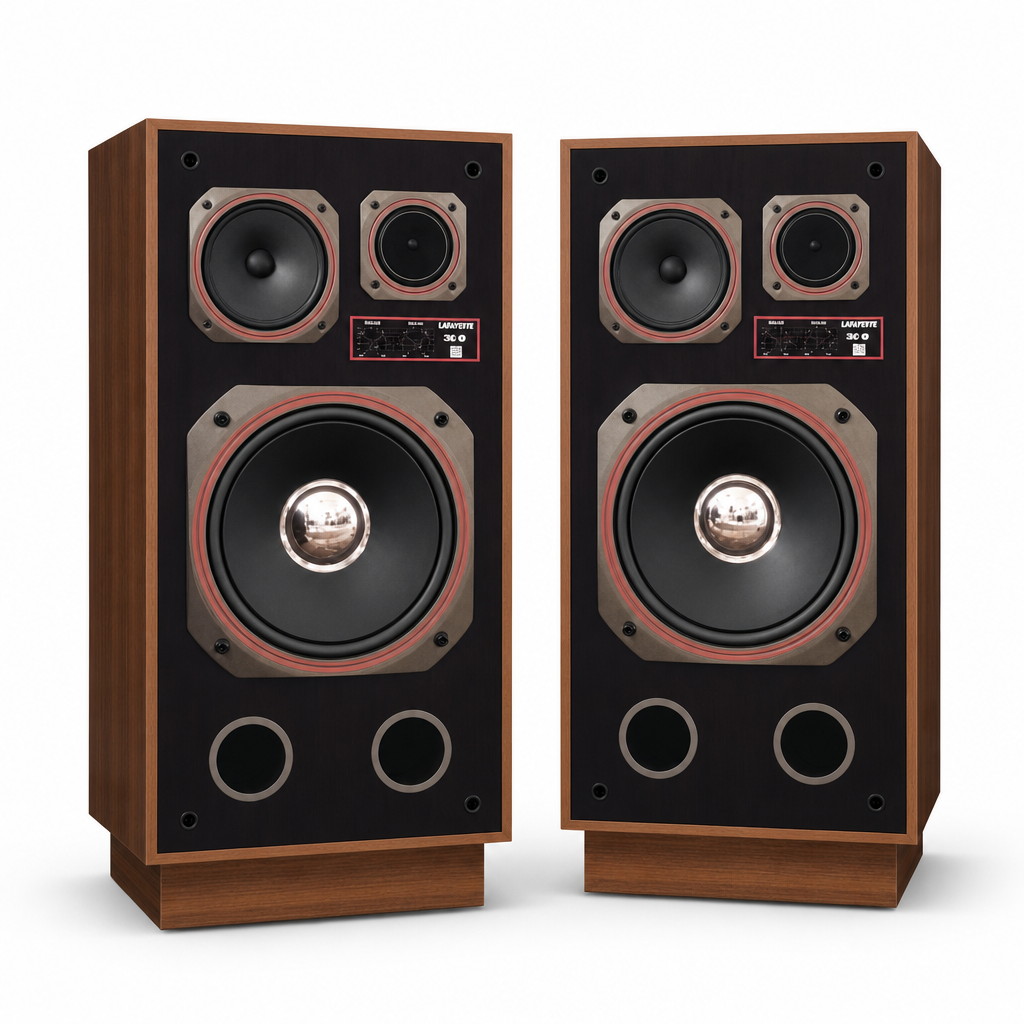
Clean framing, controlled background and product-first light.
Use the result for ecommerce, catalog, marketplace or social product presentation, then move into the dedicated Product Photography workflow when the project needs a broader commercial set.
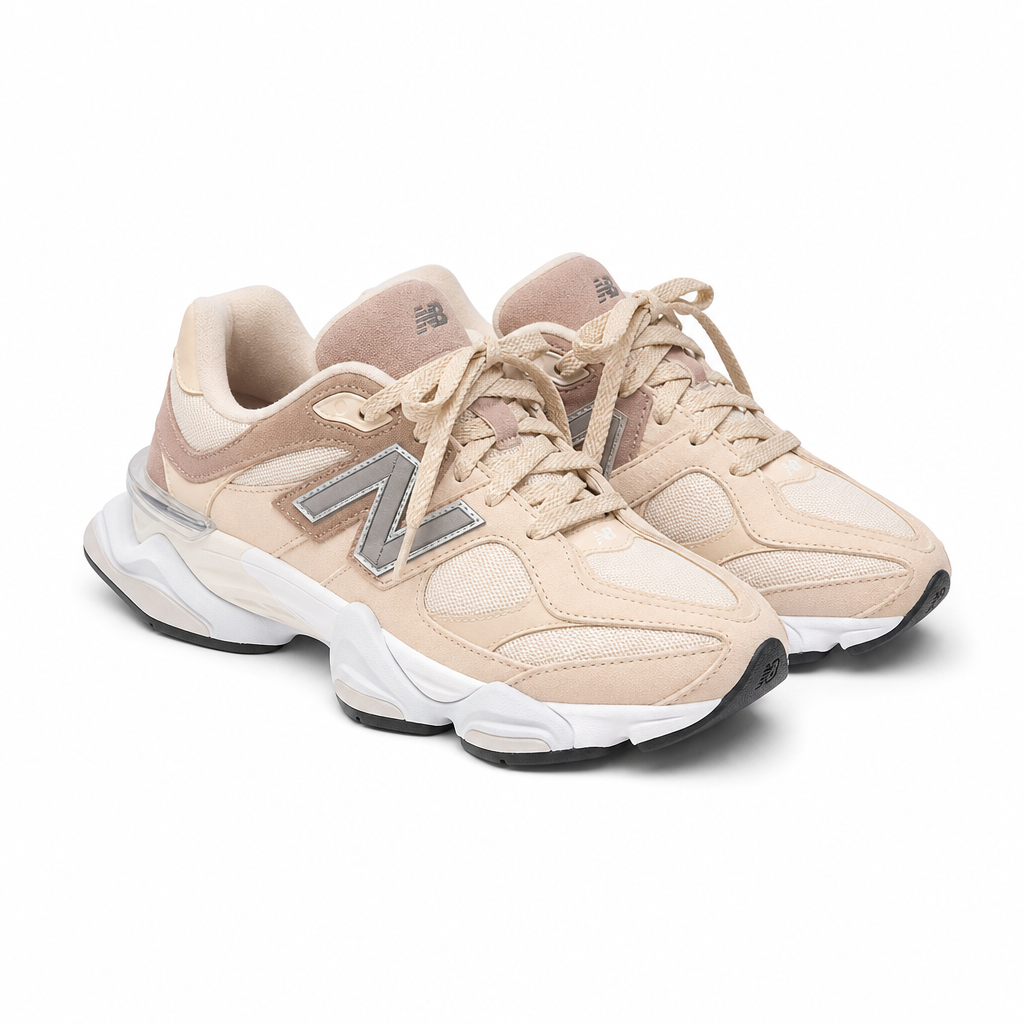
Upload the photo. Choose the workflow. Click.
The photo workflow is designed to be simple enough for someone shooting on a phone and useful enough to sit inside a professional production process.
Start from the image you already have.
Use a phone photo, camera file, product reference, interior image, portrait or another existing photograph as the production base.
Product when the object matters. Polish when the photograph matters.
Product focuses on cleaner commercial presentation around the object. Polish refines the existing scene, light and finish while keeping the photograph recognizable.
Run the workflow without writing a prompt.
You do not need to describe exposure, background treatment, framing or a long list of corrections. The selected workflow already defines the job.
Keep the result simple or take it into a professional workflow.
Download a standard PNG or use higher-resolution TIFF and DNG options when the job continues into editing, delivery, archive or print.
The same interface can take a quick phone capture toward a finished image or act as a controlled finishing step inside a larger photographic workflow.
→
Refine the photograph without rebuilding the scene.
Polish is for images that already contain the right place, composition or moment. It improves presentation, light and visual finish while keeping the underlying photograph as the production base.
Balance difficult interior light while keeping the space intact.
Use Polish for interiors, hospitality, real estate and architecture when the composition is already right but windows, shadows, mixed light or overall finish need a cleaner balance.
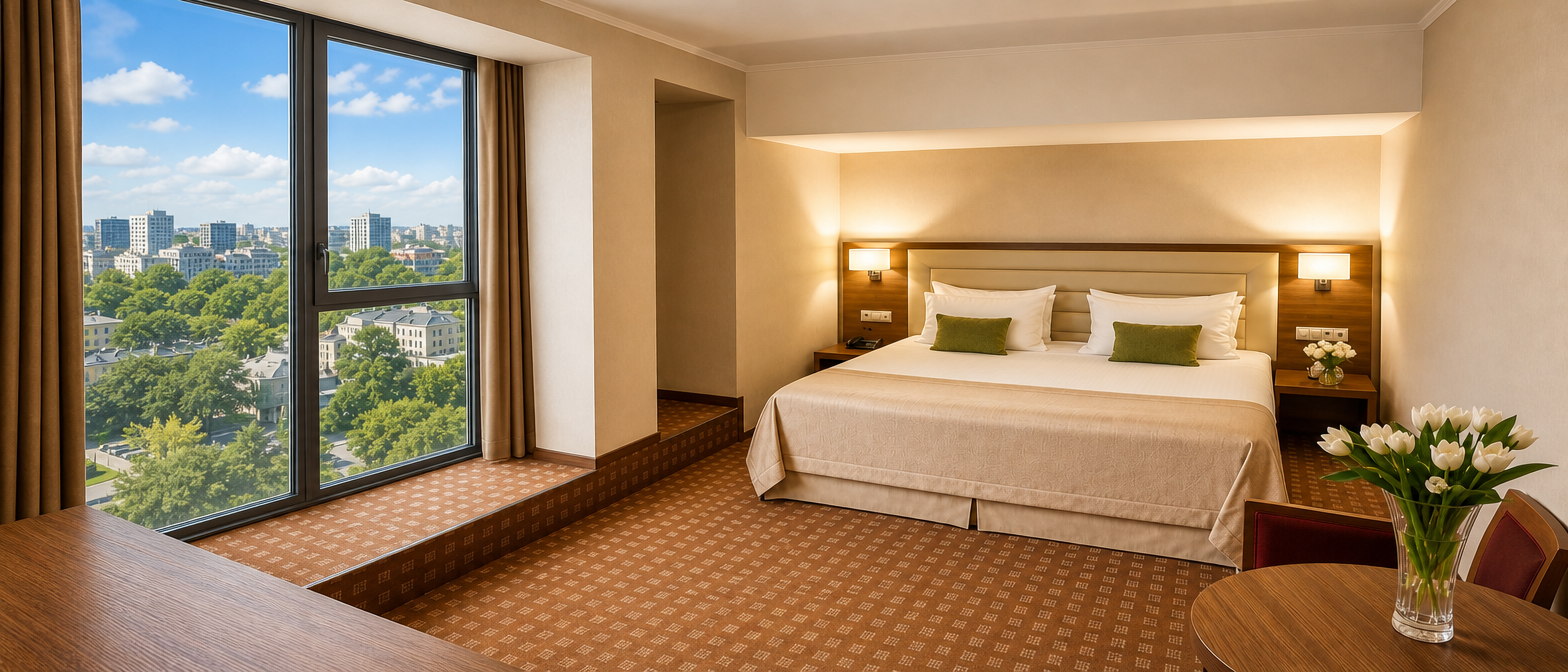
Improve finish without turning the location into another place.
Preserve structure, materials and spatial relationships while refining atmosphere and presentation for listings, hotels, restaurants, architecture portfolios and client delivery.
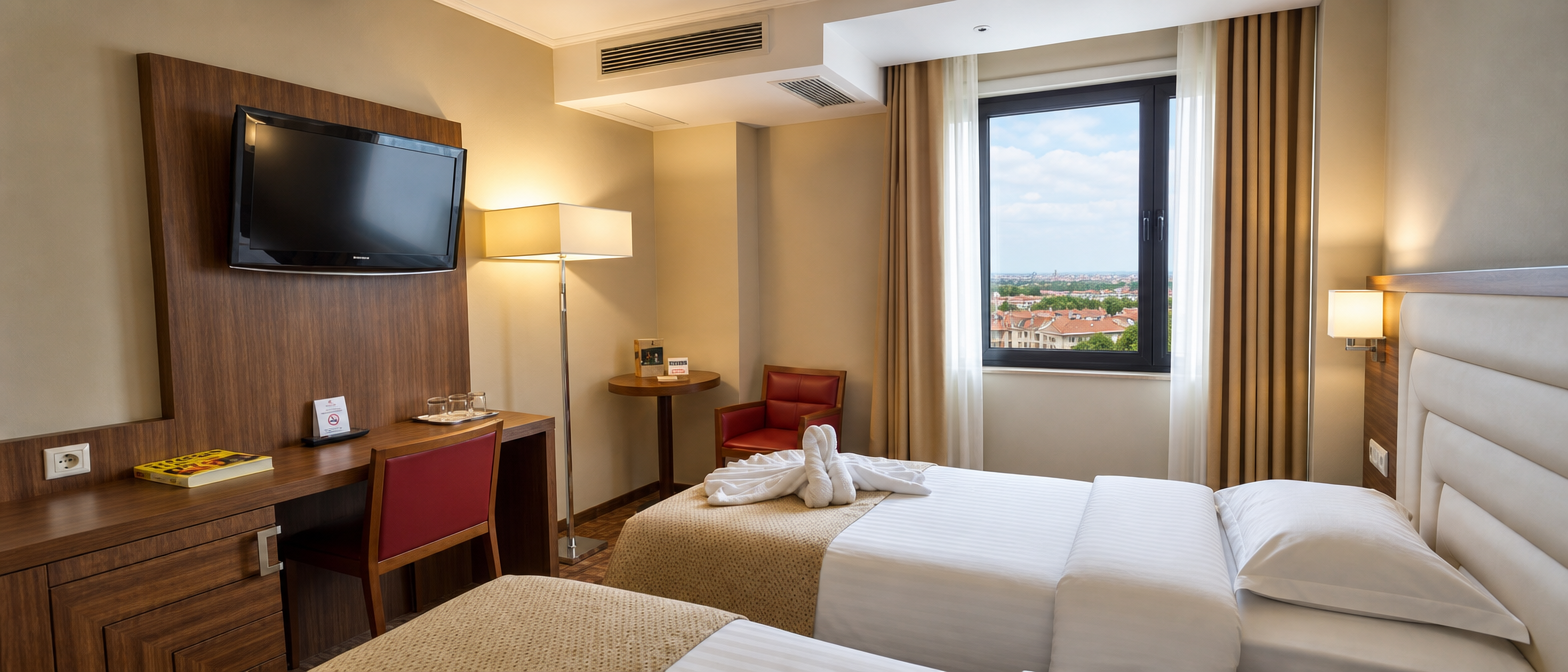
One photo workflow across product, spaces, people and client work.
Use the same simple editing layer across different photographic jobs, then move into more specialized Ruwana production only when the project needs it.
Turn simple product sources into cleaner commercial presentation.
Useful for ecommerce, catalog, marketplaces and small businesses that need stronger product imagery without building a full studio setup.
Refine interiors, exteriors and property photography.
Balance difficult light and improve presentation while keeping the actual space and architectural relationships recognizable.
Polish difficult lighting without replacing the moment.
Use existing photographs as the base for cleaner light, color and finish across ceremonies, receptions and event environments.
Finish portraits without turning the subject into someone else.
Refine presentation around an existing portrait while preserving identity, pose and the photographic intent of the original image.
Improve photographs of spaces, dishes and guest environments.
Create more consistent presentation for restaurants, hotels, menus, listings and social content from photographs you already have.
Move beyond a browser-only image when the job requires it.
Choose higher-resolution output and professional file formats when the result needs to continue into editing, archive, delivery or print.
Easy enough for a phone photo. Serious enough for a professional workflow.
For fast delivery, 1K output is available as PNG. At 2K, output can include PNG and TIFF. At 4K, the workflow can deliver PNG, TIFF and DNG so the finished image can move into a broader professional editing or delivery process.
That means Ruwana can sit at two very different points in the same market: a simple one-click photo workflow for someone who does not want to learn prompting, and a controlled production step for photographers who care about resolution, consistency and downstream files.
Shoot it normally. Finish it with the workflow that fits the photograph.
Use Product for cleaner commercial product presentation or Polish for controlled refinement of the image you already have, with no prompt required.
Phone photos · Professional photography · Product · Polish · TIFF · DNG